
- Android — Released
First version release
The first public Old Ways release: the Android version is available now.
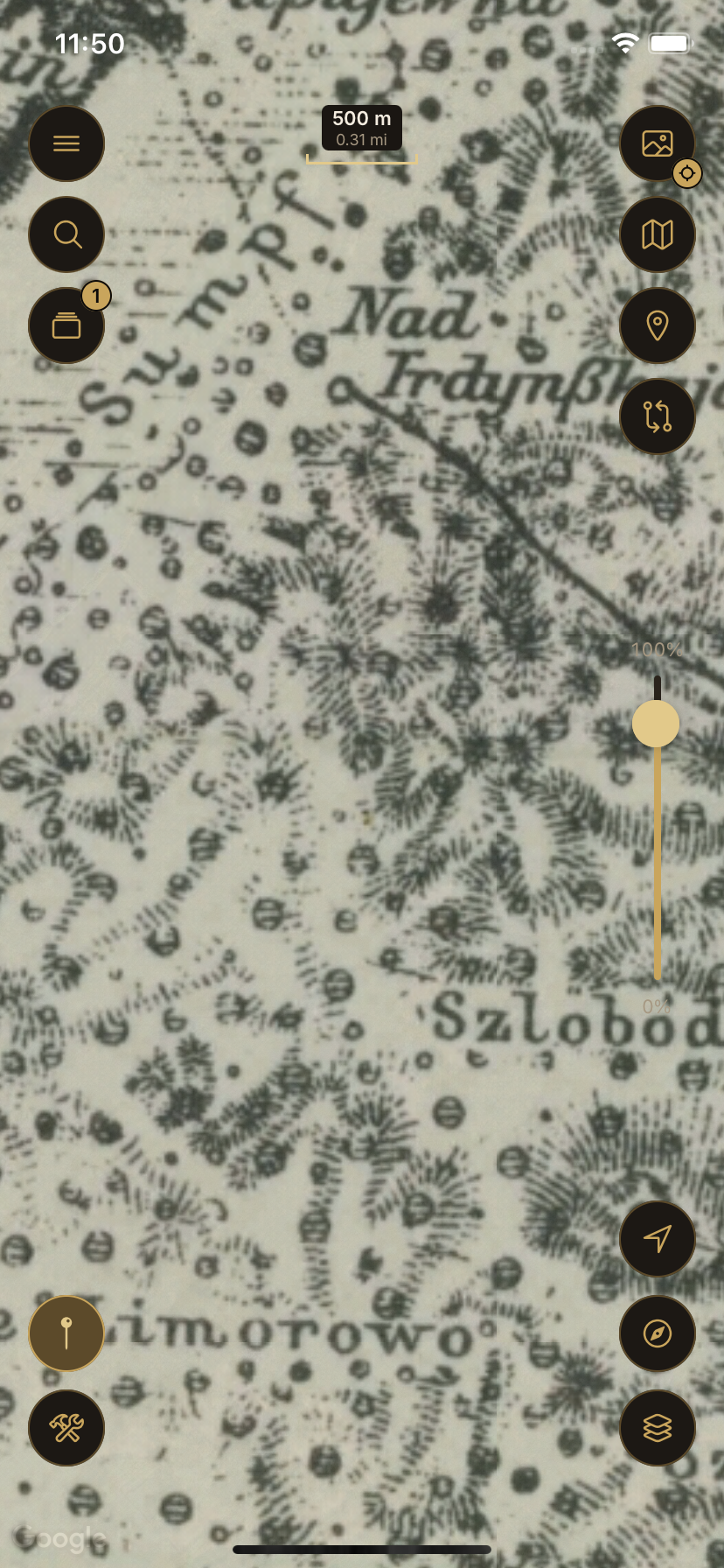
Maps, Terrain & Georeferencing
Explore historical maps and detailed terrain, or bring your own map image into the real world by georeferencing it directly on your phone.


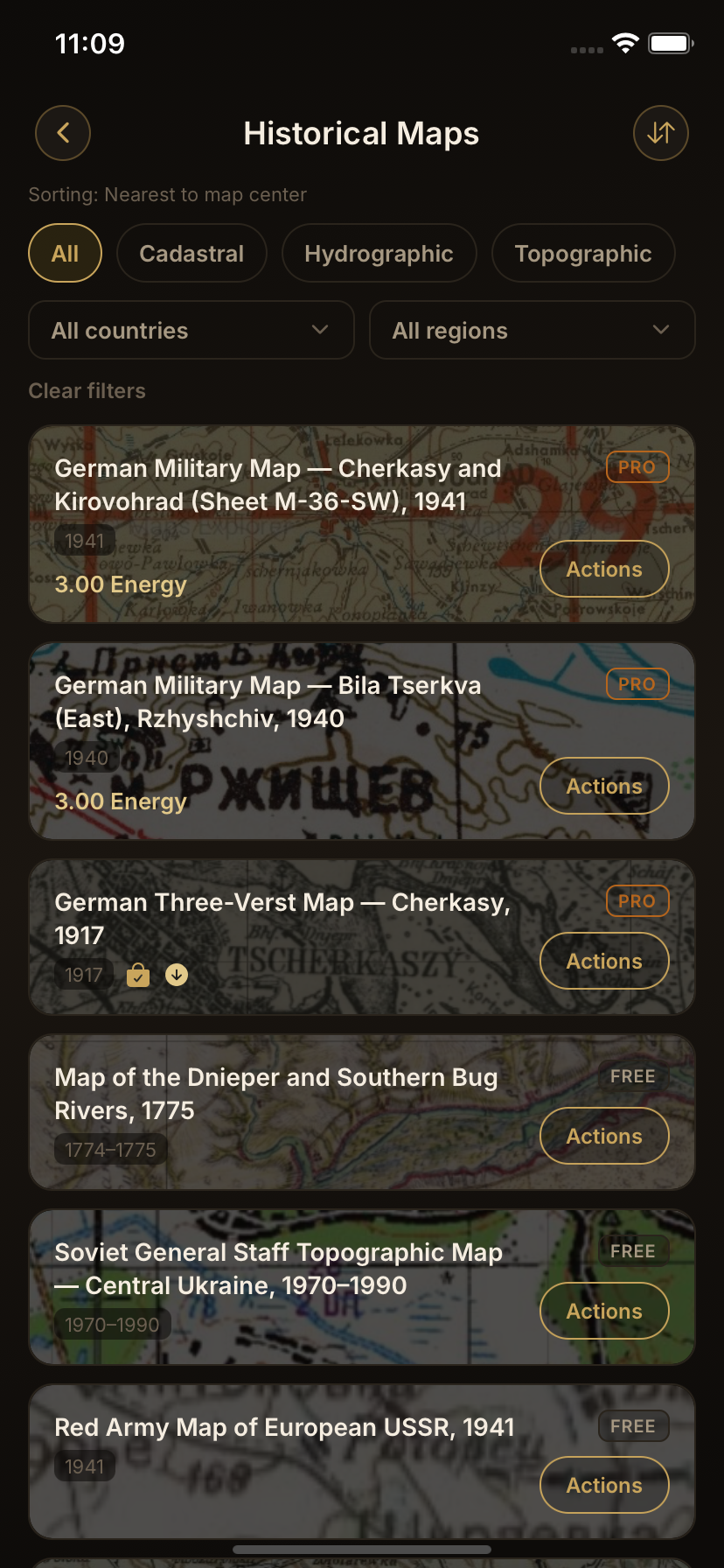
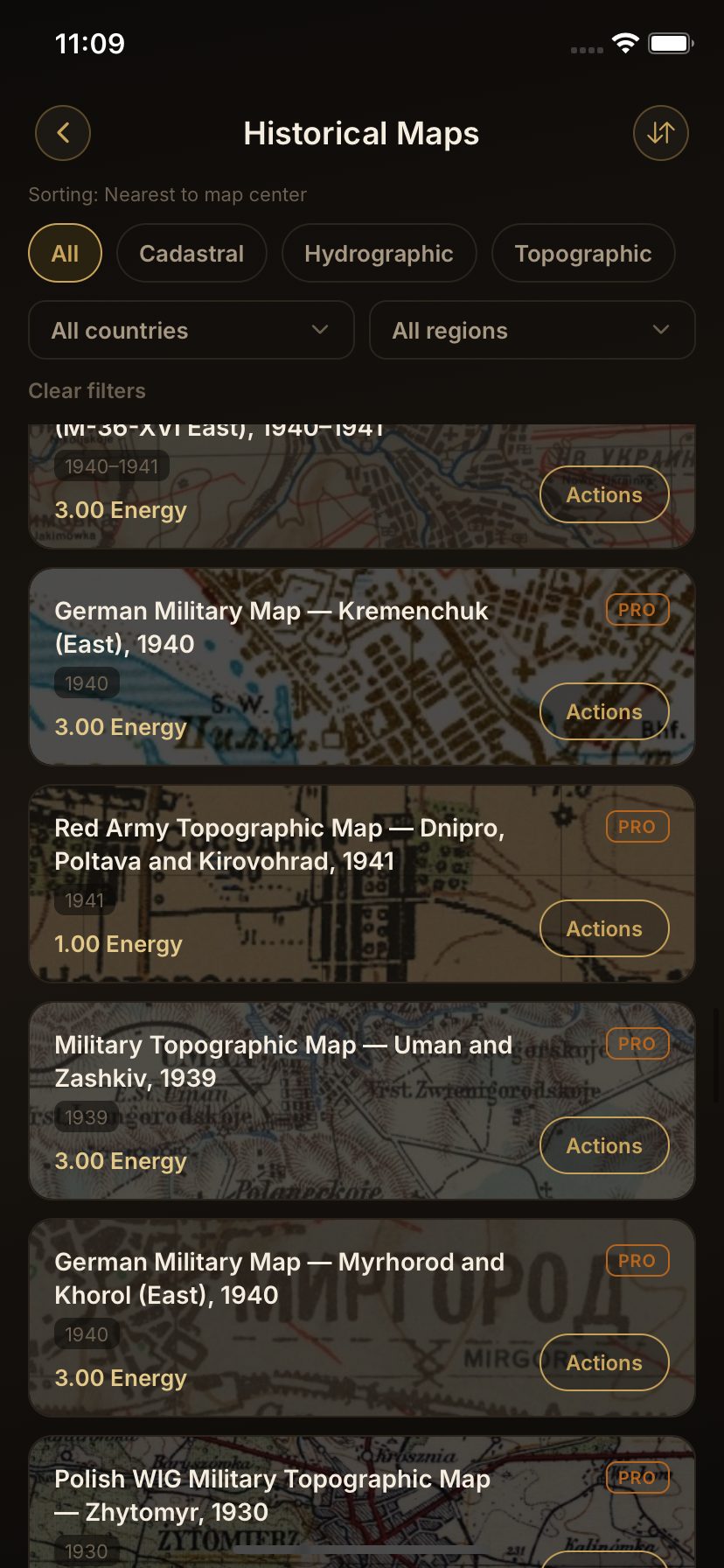
Historical Archive
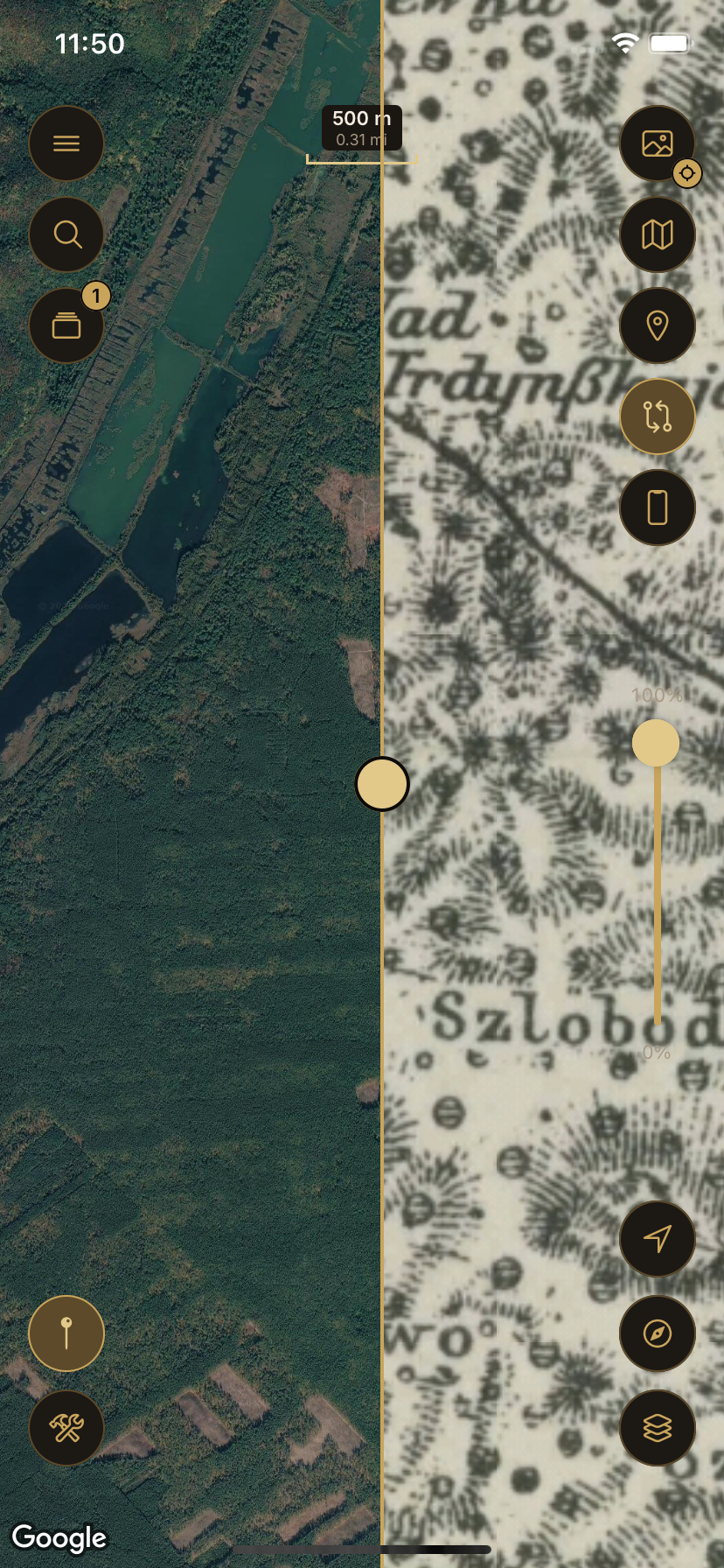
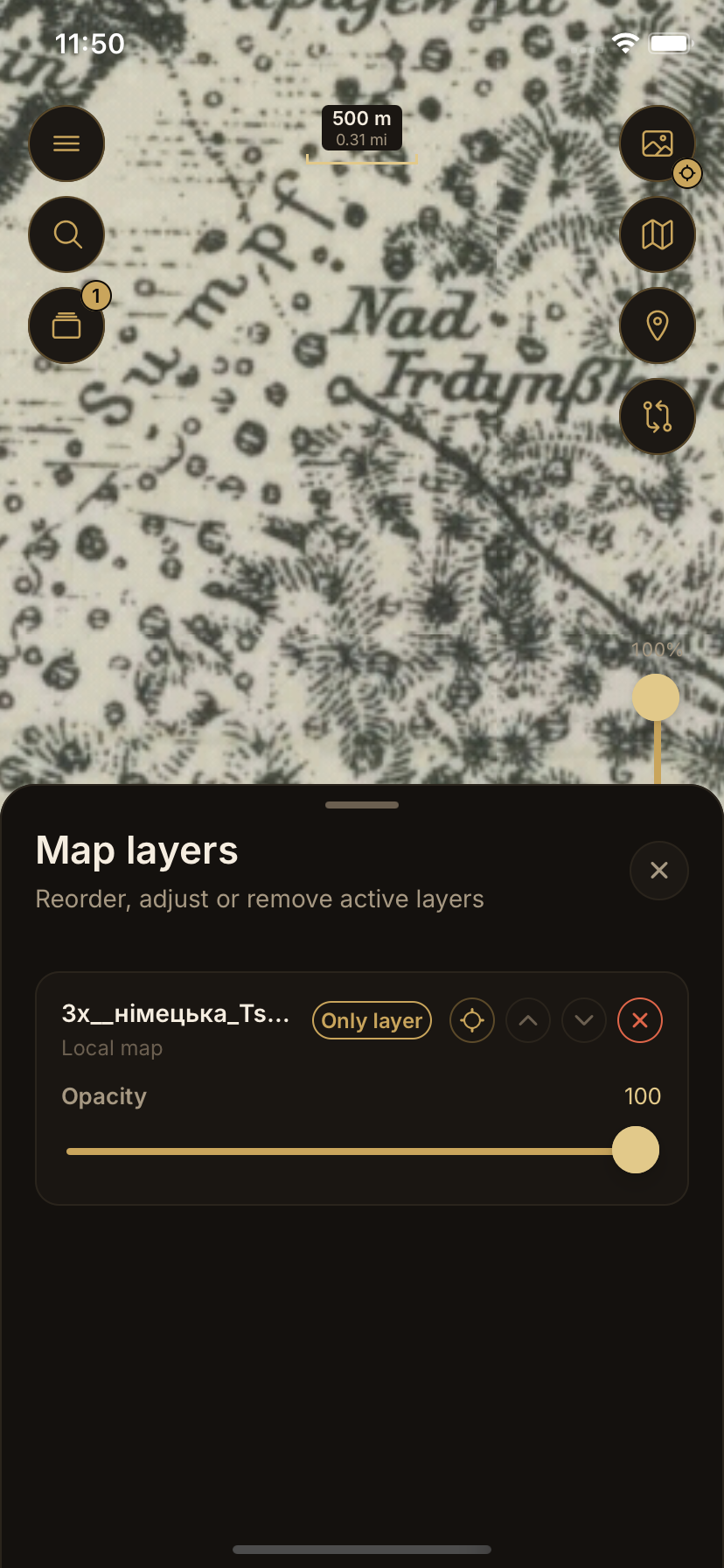
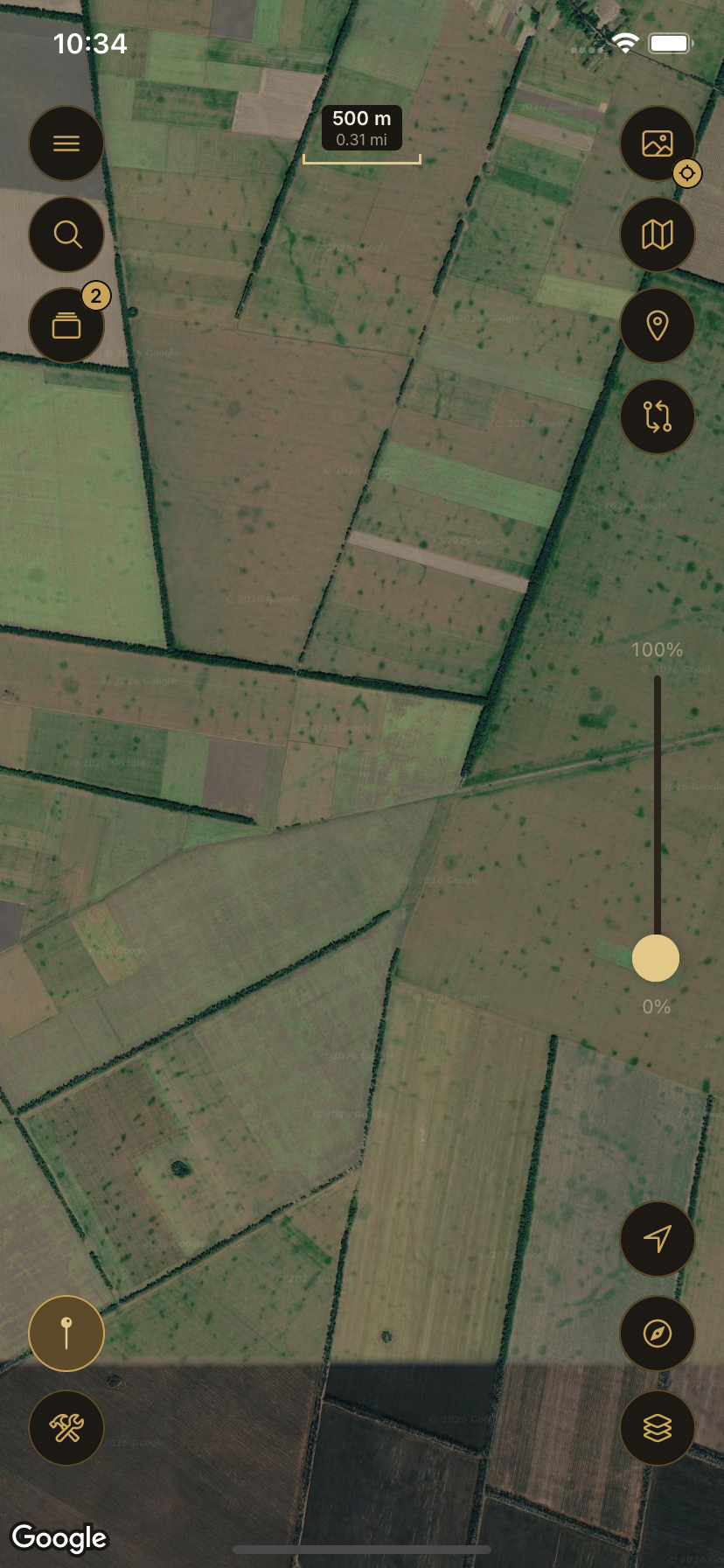
Old Ways already offers a growing archive of historical maps — georeferenced and ready to explore. You don't need to bring your own; browse the archive and lay history directly over today's landscape.
Terrain & Relief
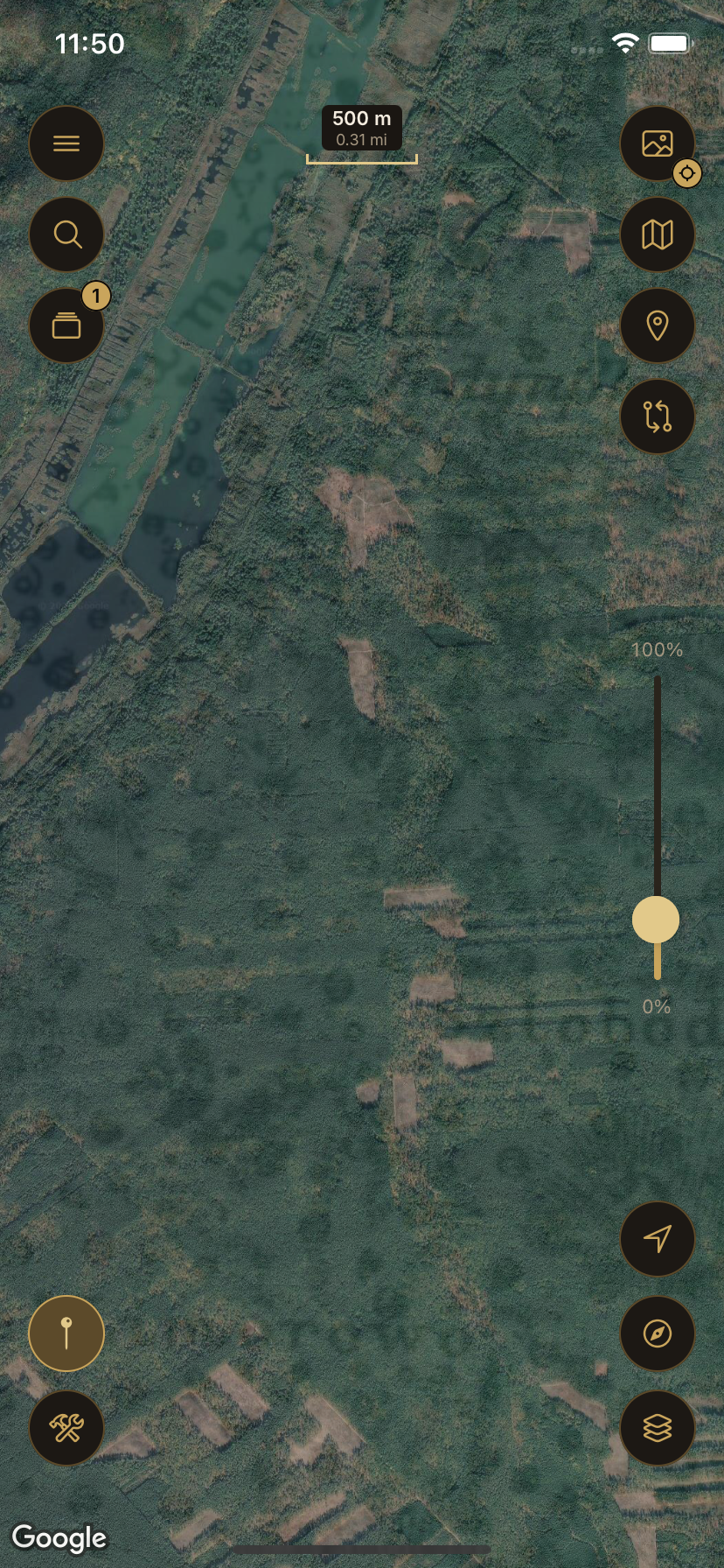
Terrain brings out hills, valleys, slopes and landforms, with roughly 30 m detail and finer data in selected areas. Use it on its own or together with historical maps and other Old Ways layers.
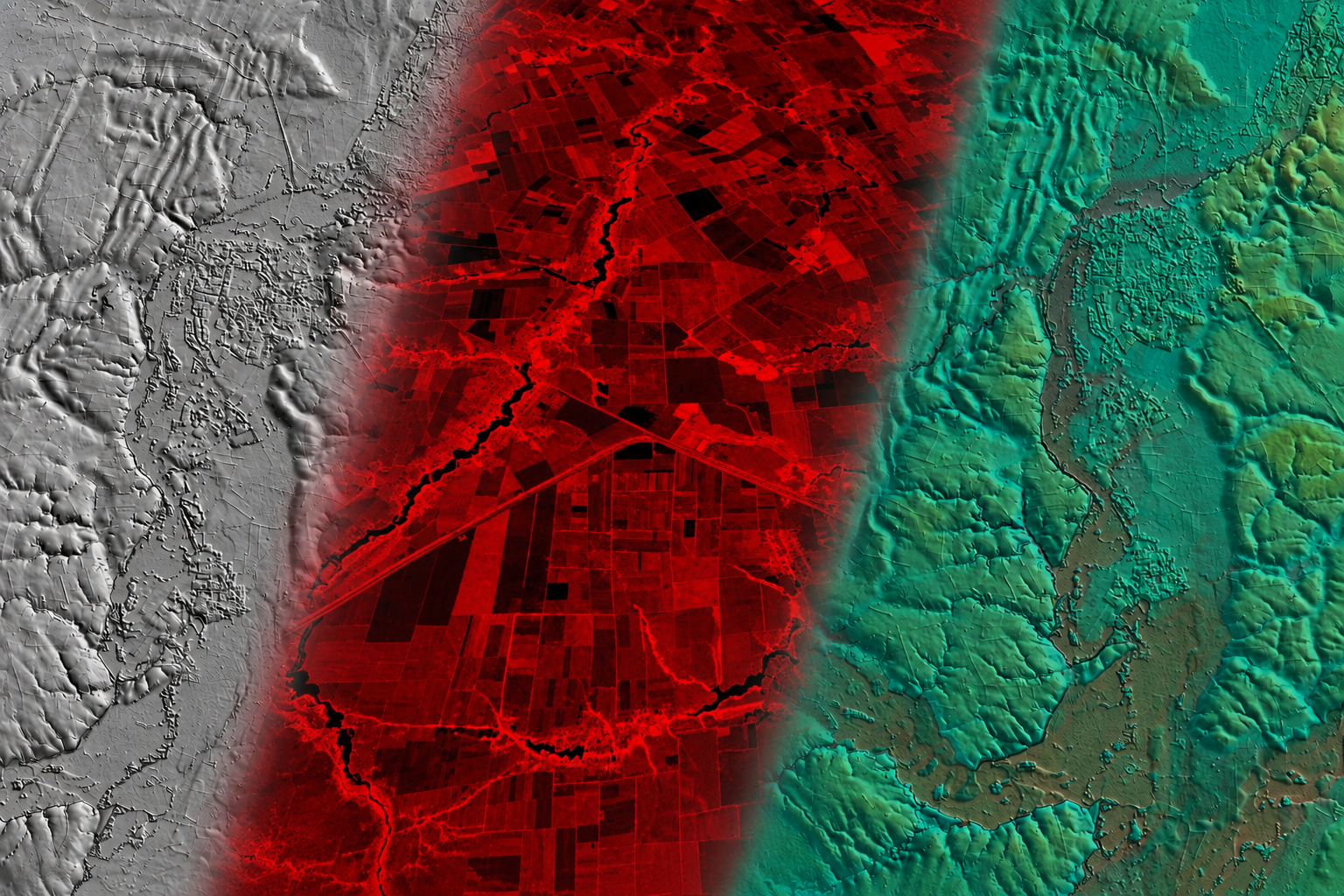
Ready-to-use terrain shading.
Adjust lighting, relief strength, shading and colors.
Professionally tuned terrain rendering with curated styles.
Terrain availability depends on coverage and requires an internet connection.
Personal Map Georeferencing
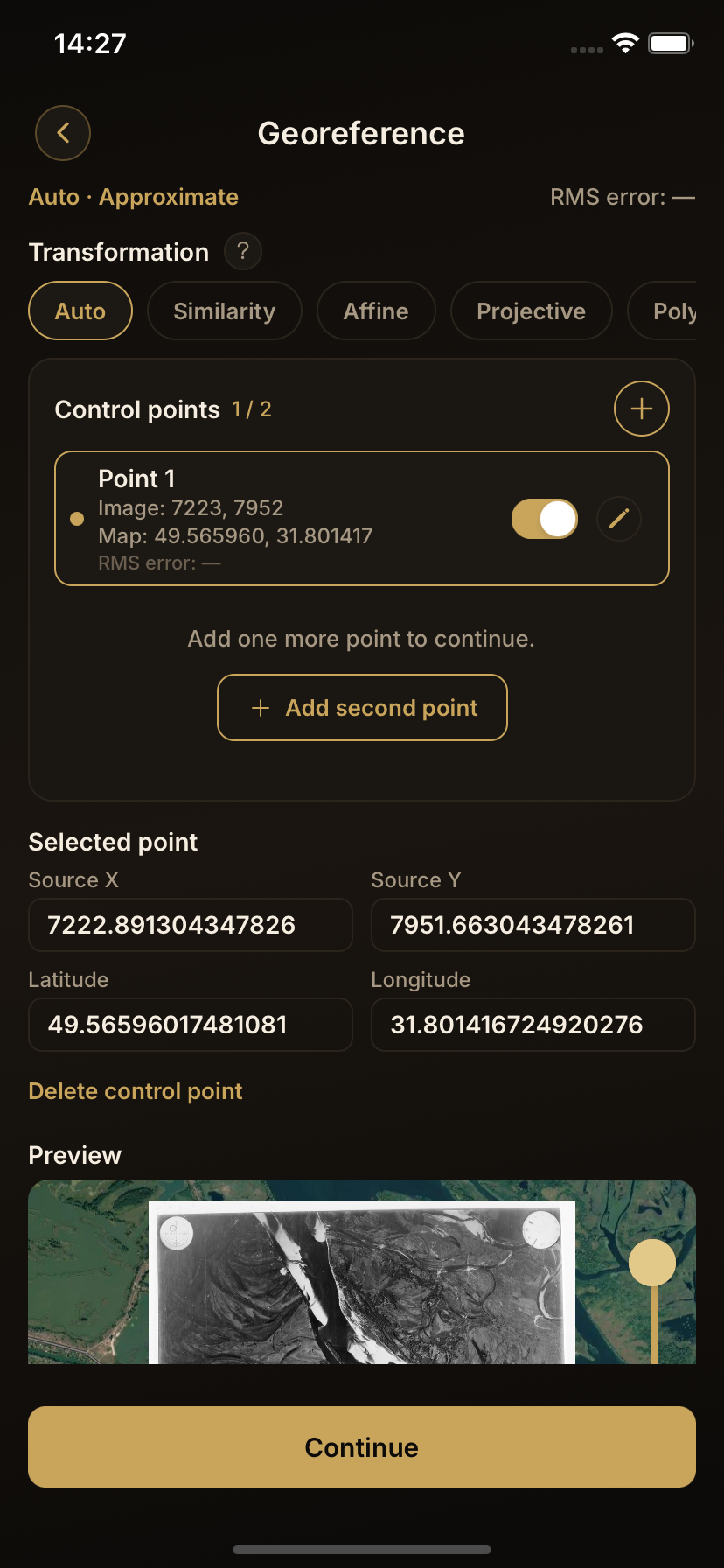
Georeferencing sounds technical — it simply means locking a picture of a map onto real-world coordinates. A personal map or photograph becomes a real-world layer that you align yourself, on your device.
Work with large, high-resolution map images — even files hundreds of megabytes in size, depending on your device.
01 / 04
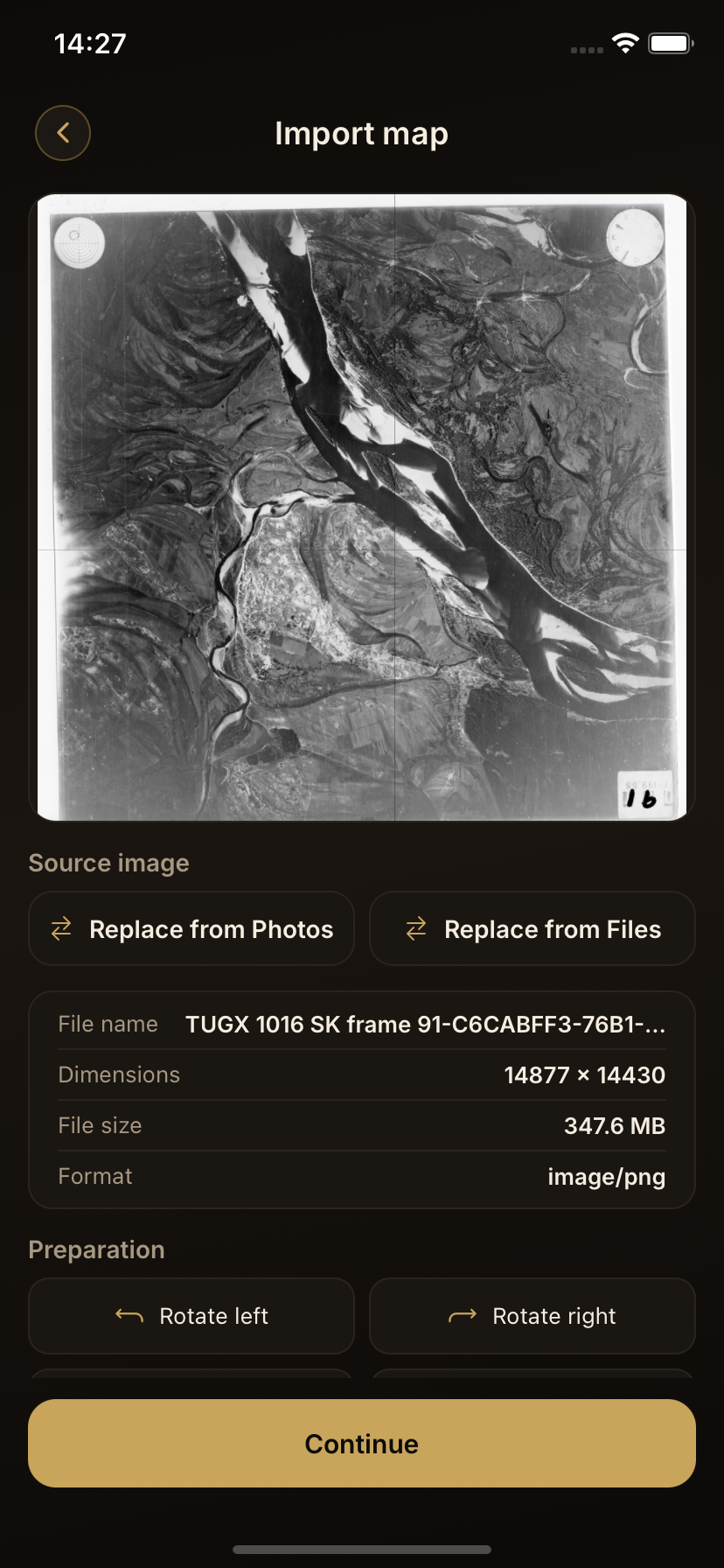
Import a personal map or image from your device.
Local & On-Device
Work with your personal maps right on your device — from georeferencing to export.
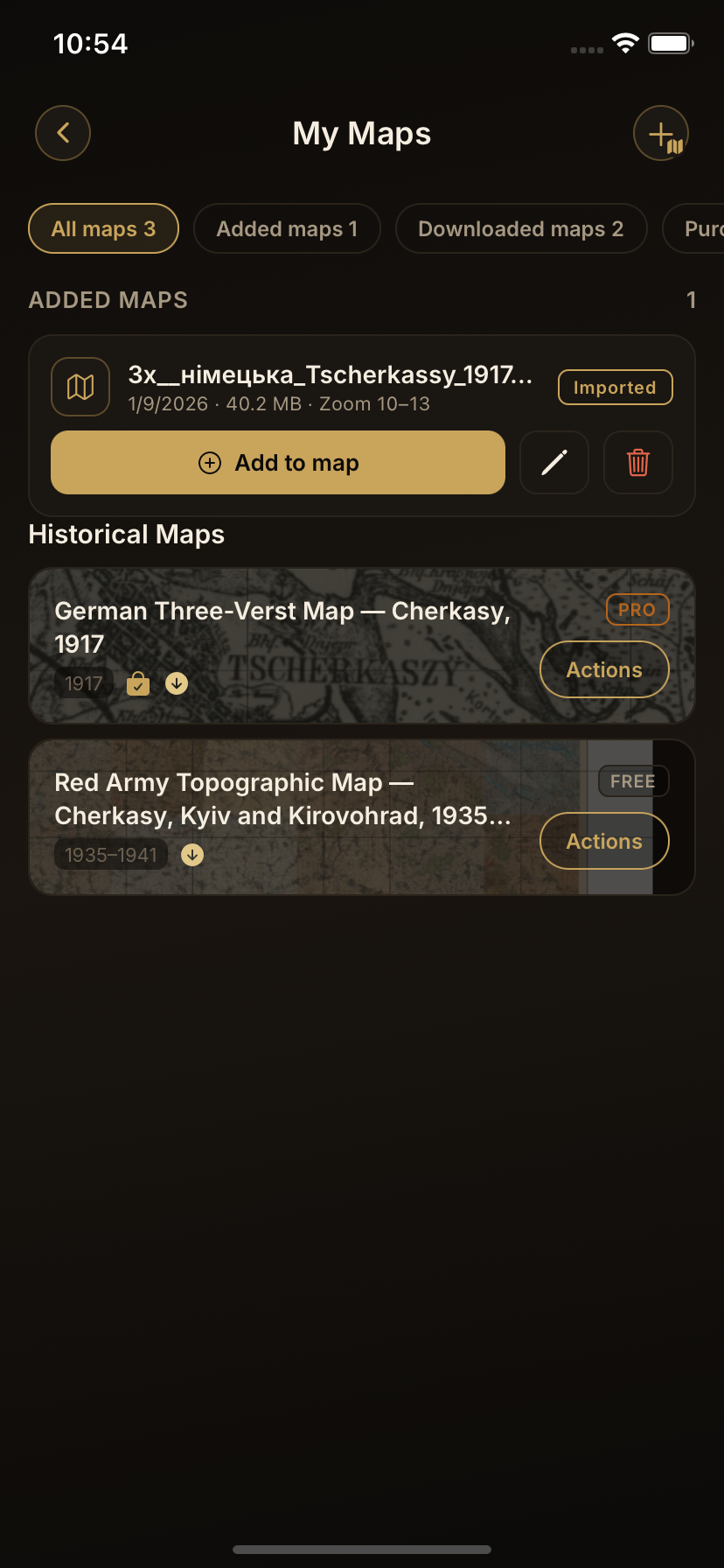
Your personal maps are stored right on your device.
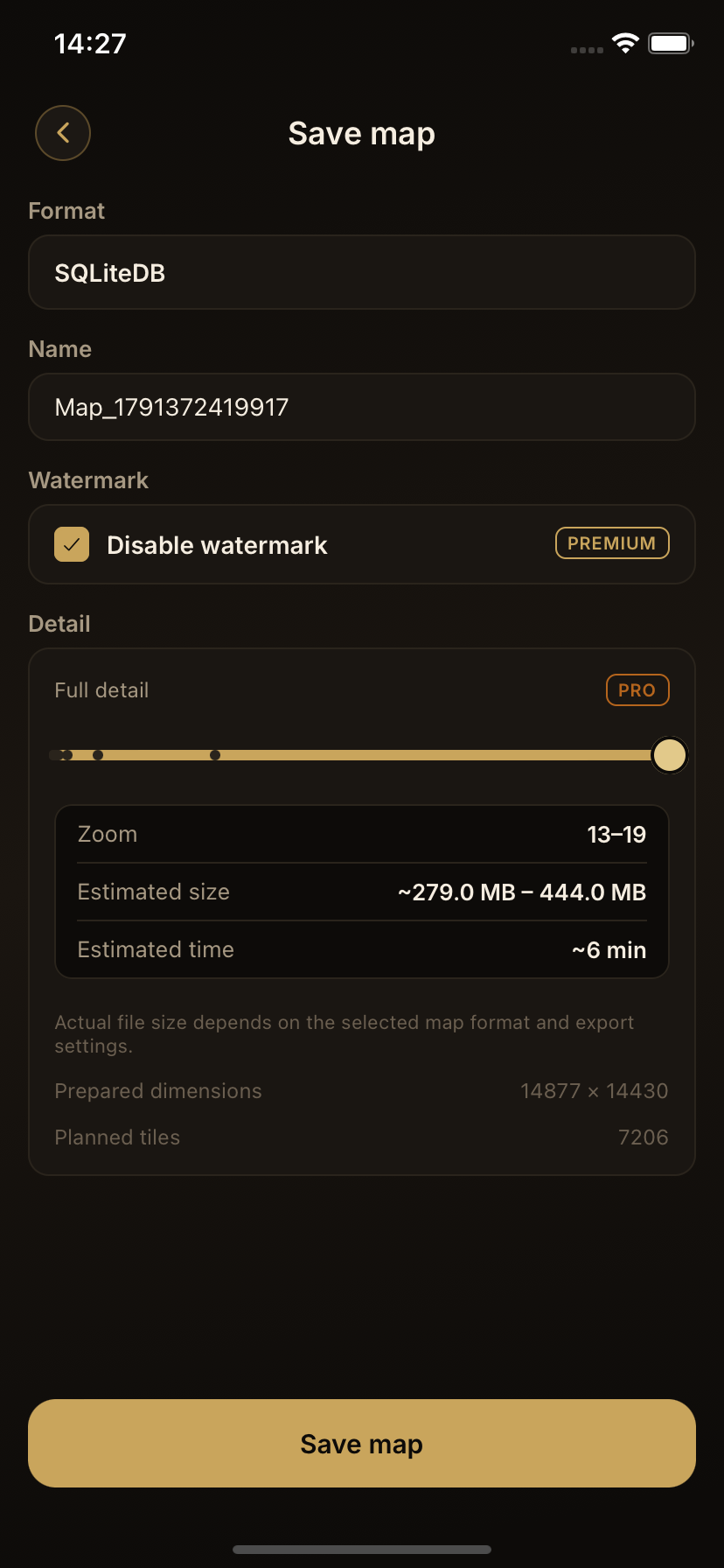
Export your maps to move them or keep a backup copy.
Field Tools
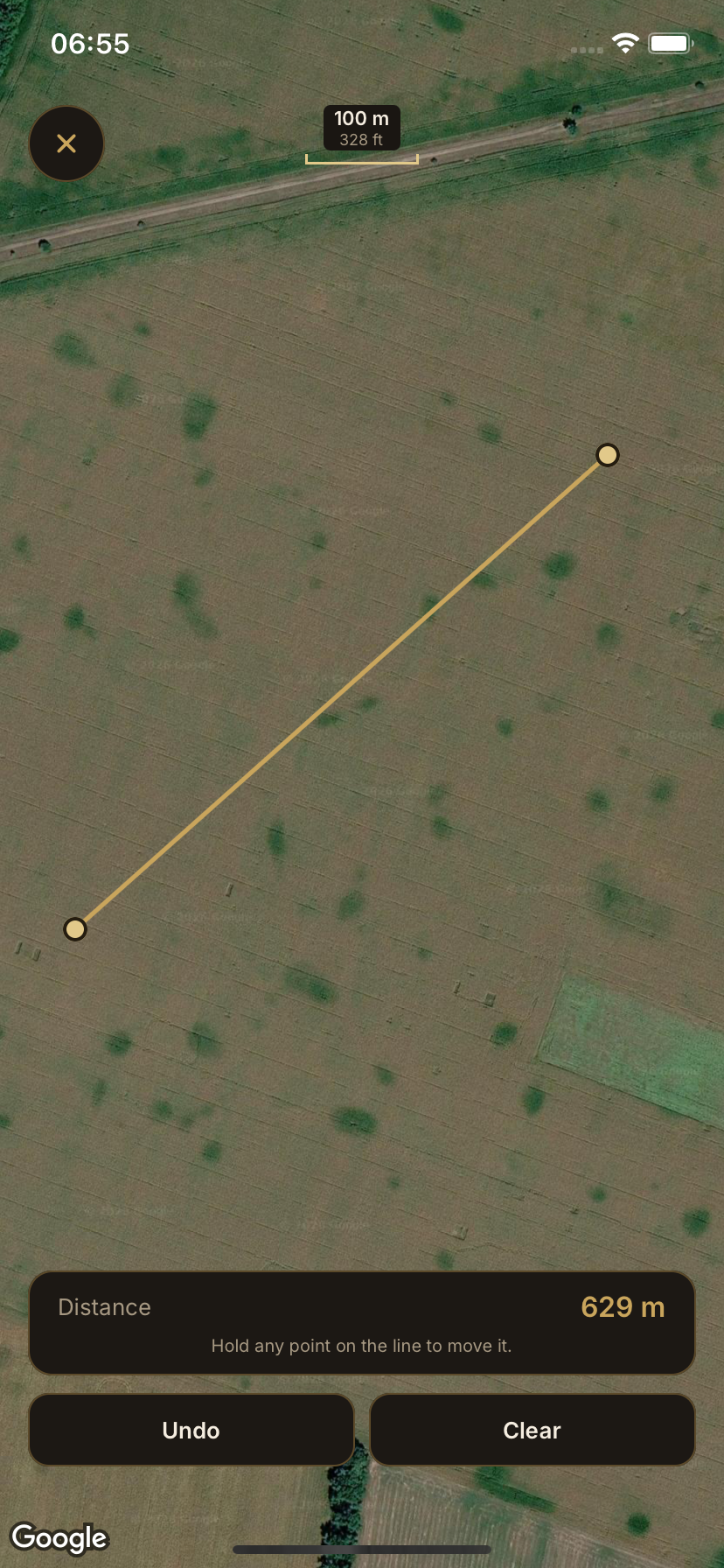
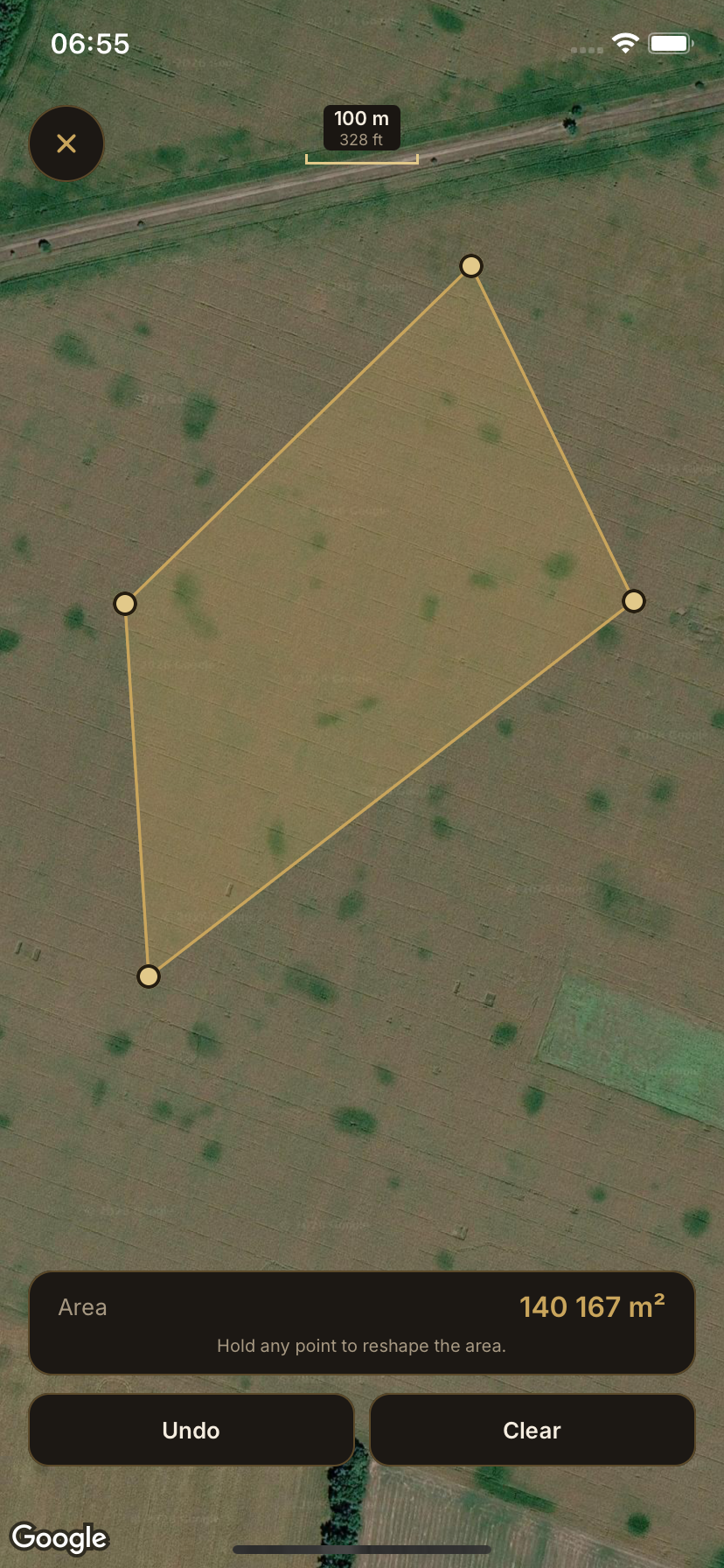
One connected toolset for exploring maps and terrain on the ground — measure distance and area, check elevation between two points, see where you are, and save the places that matter.
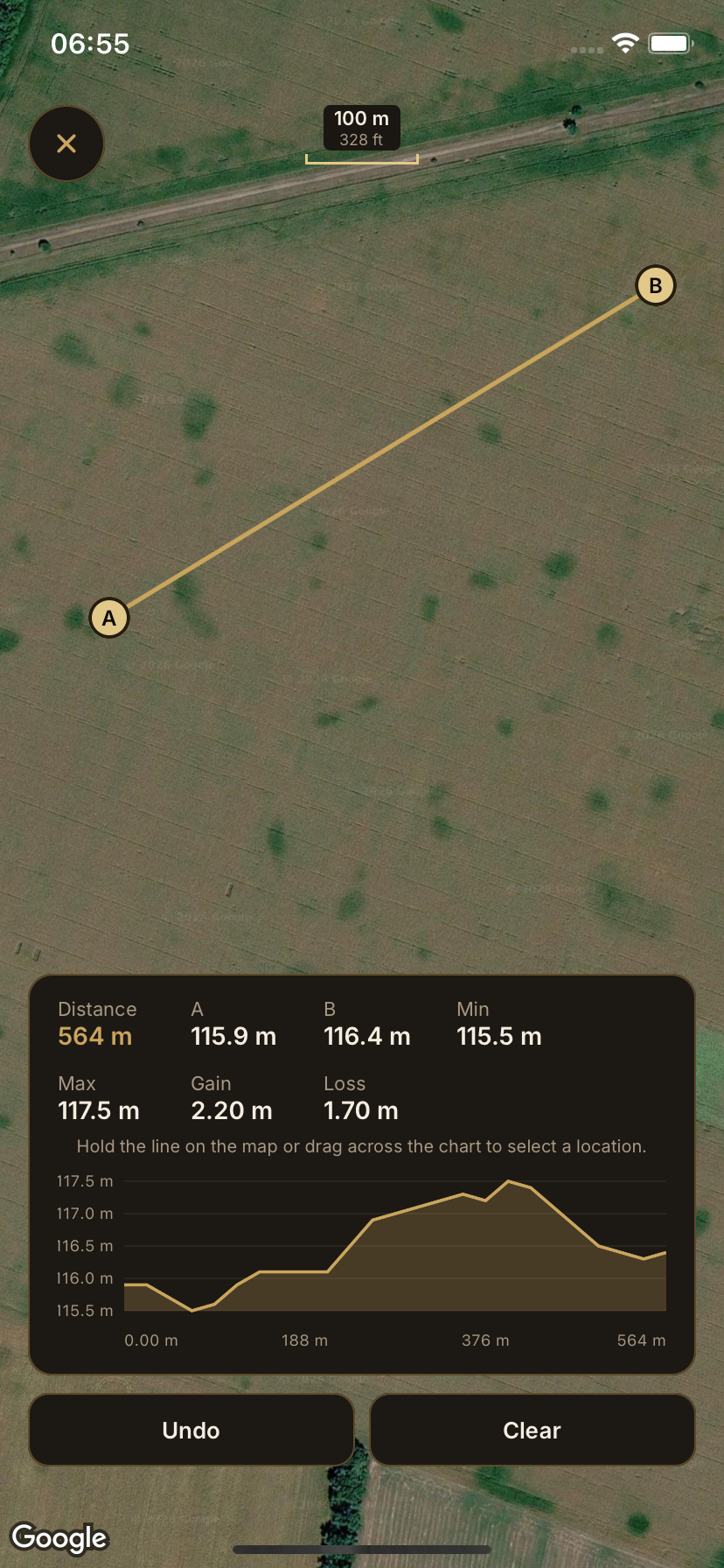
See your current position on the map in real time.
Save important places with names and find them on the map later.
Who It's For
Browse the archive and compare historical maps with today's landscape.
Overlay historical maps to trace how a neighborhood or town has changed.
Carry your own georeferenced map, GPS position and saved points on the ground.
Read the relief and chart elevation before and during a hike.
Georeference your own maps and compare them with the historical archive.
What's Next
The first public Old Ways release: the Android version is available now.
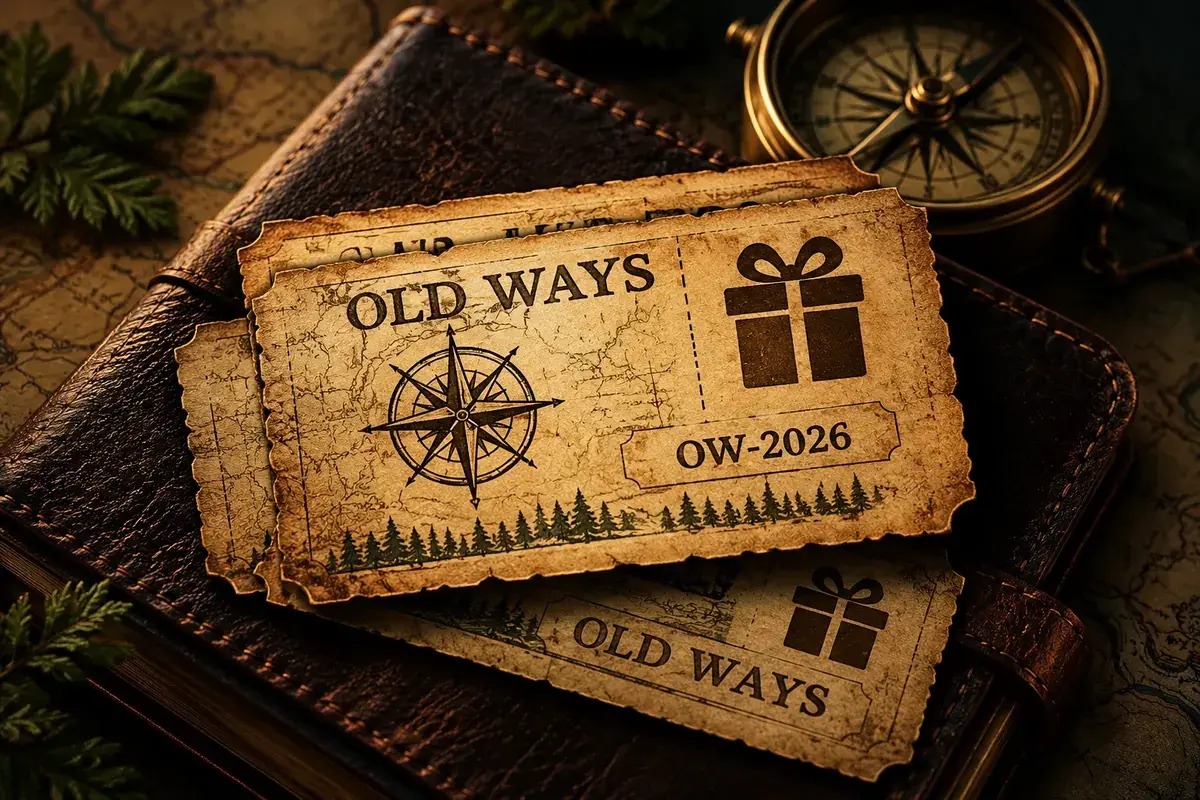
Use vouchers and promo codes to get bonuses and special offers.
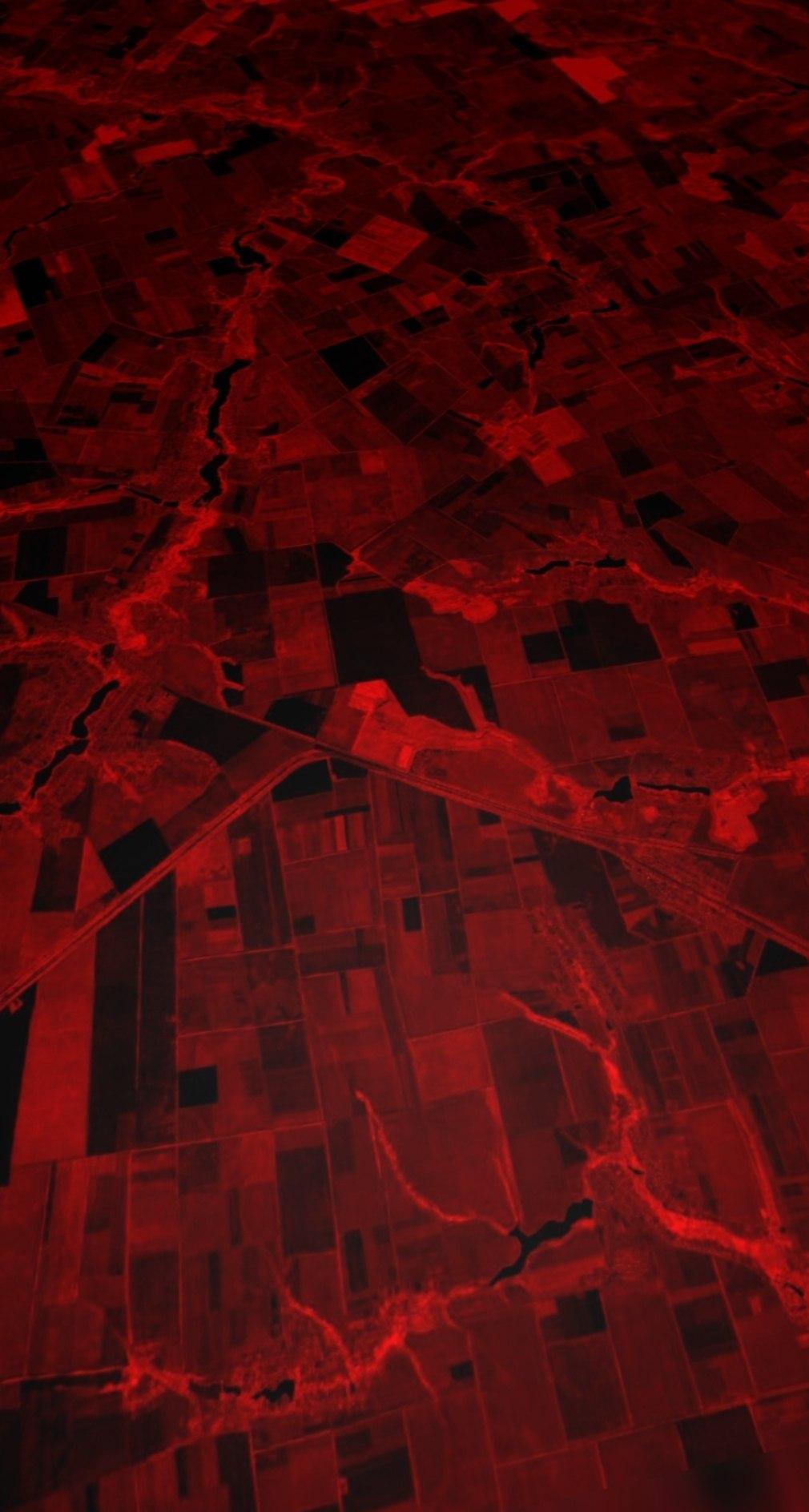
A professional relief style that makes subtle changes in the terrain's tone easier to distinguish for detailed terrain analysis.
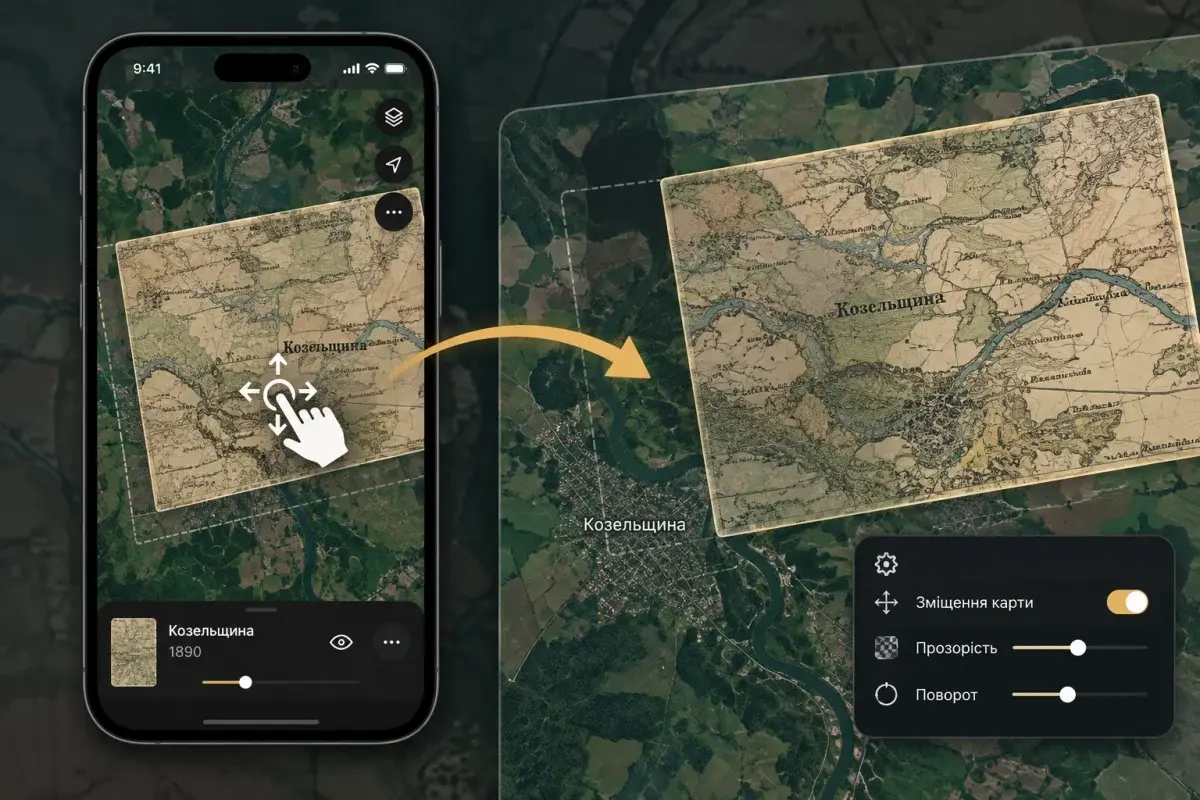
Reposition an existing historical map overlay directly on the main map while preserving its settings.
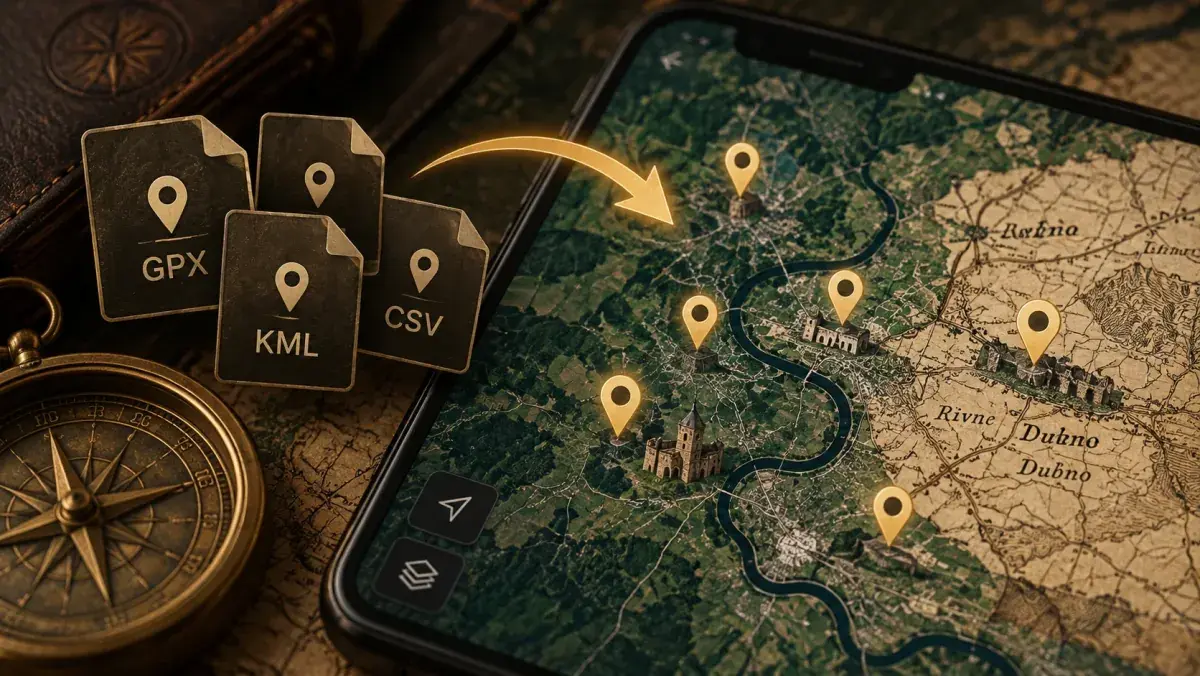
We're building import of files with geographic points, such as historical places and points of interest.
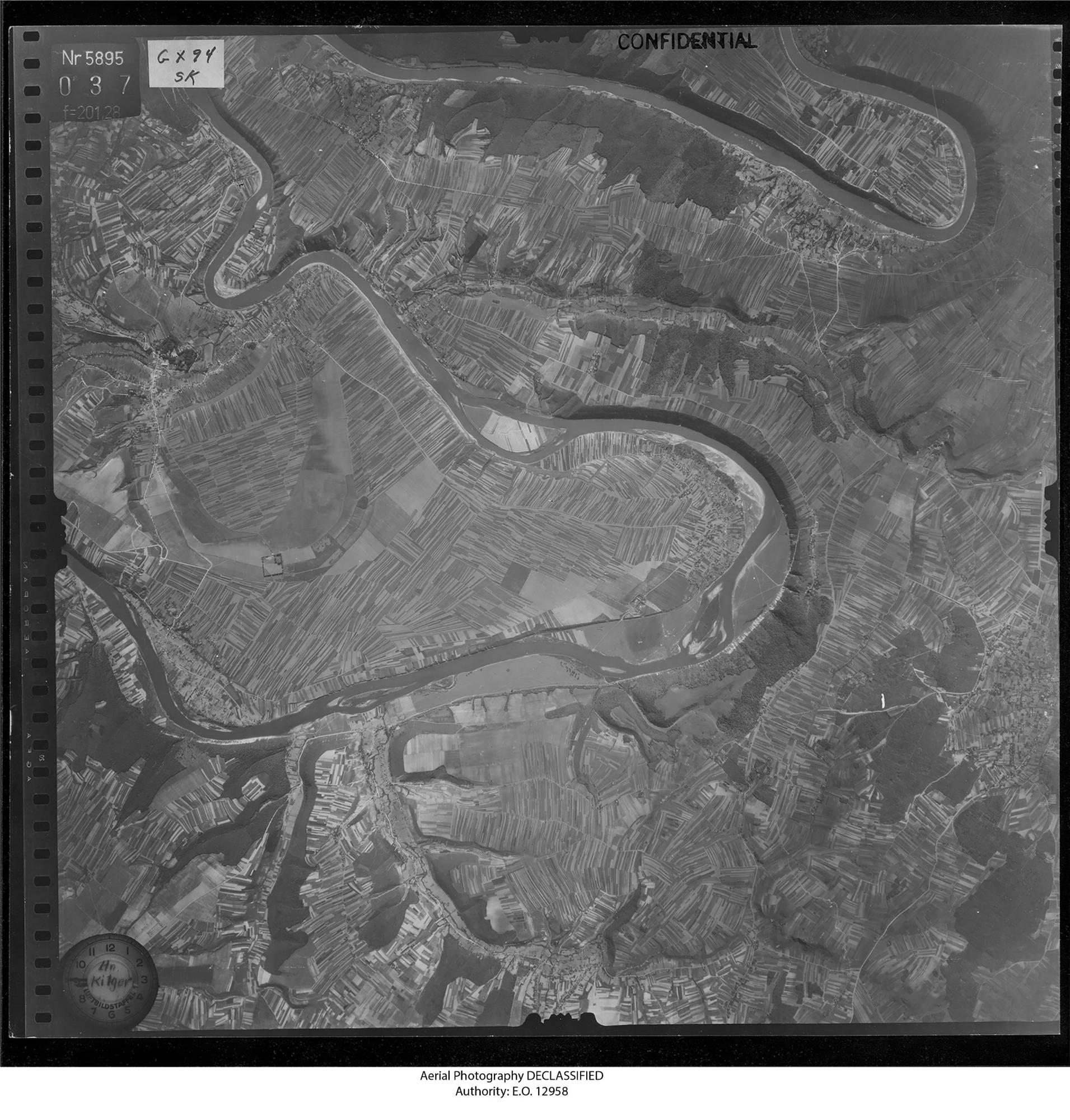
We're working toward exploring historical aerial photography directly in Old Ways.
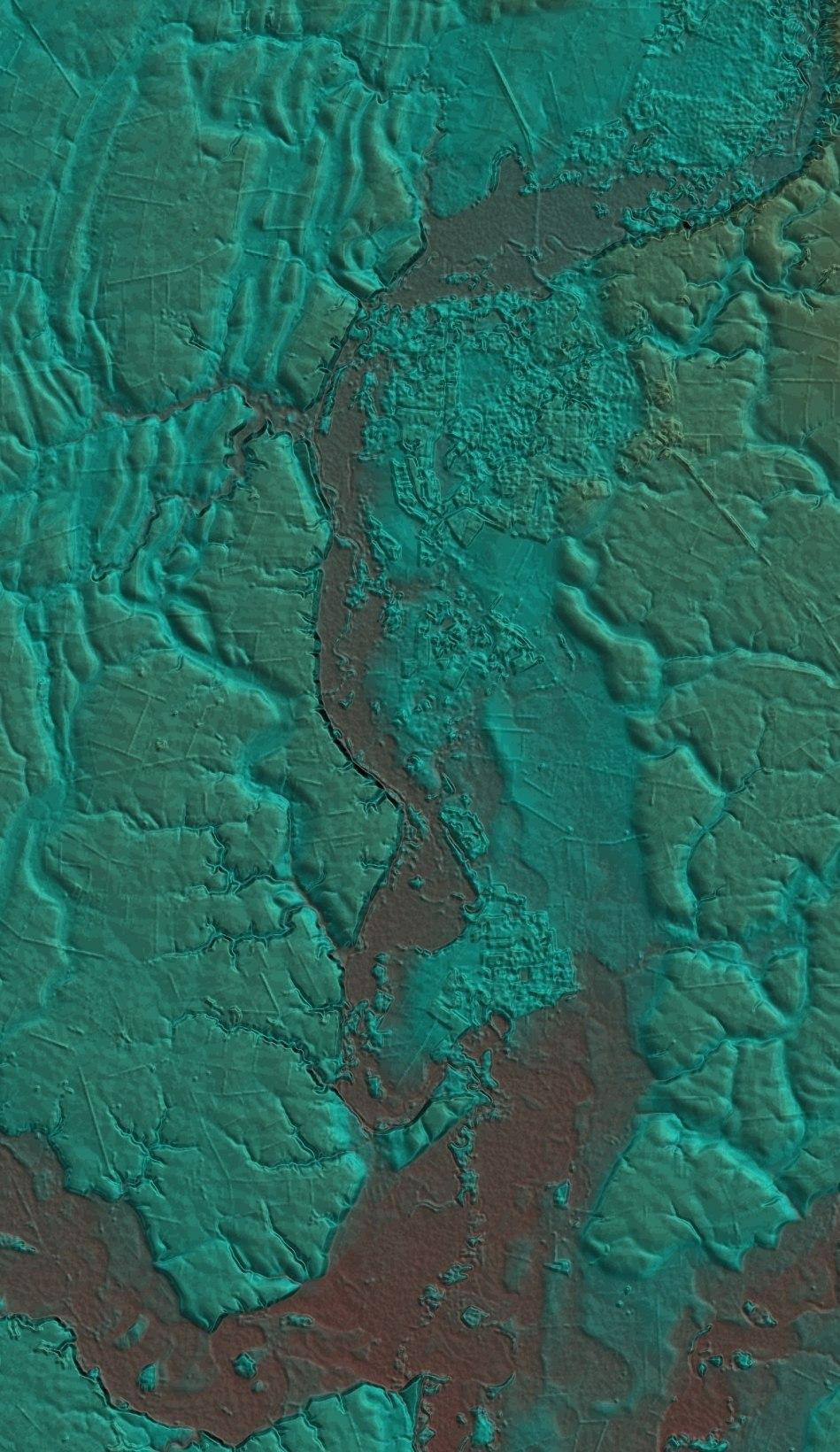
A multicolor professional relief style that helps distinguish terrain variations, elevation patterns and visual differences across the landscape.
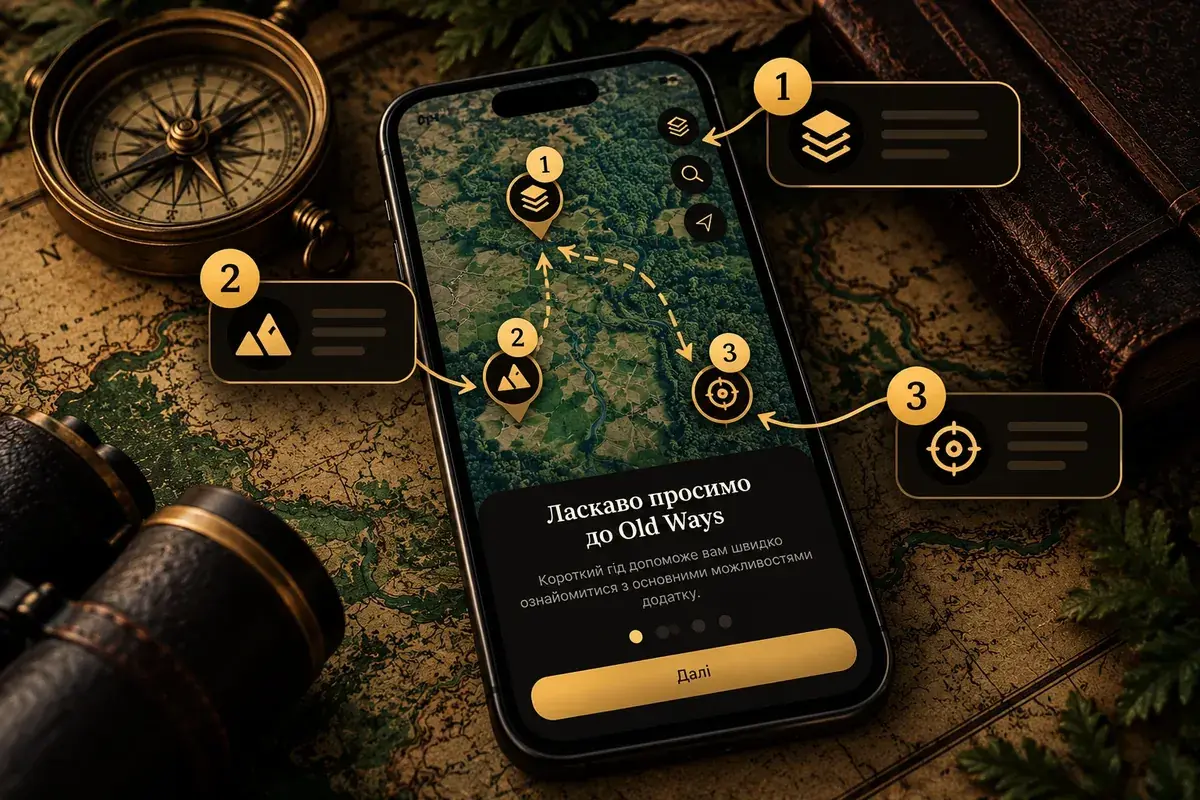
An interactive guide to the main Old Ways pages for users who haven't gone through the app introduction yet.
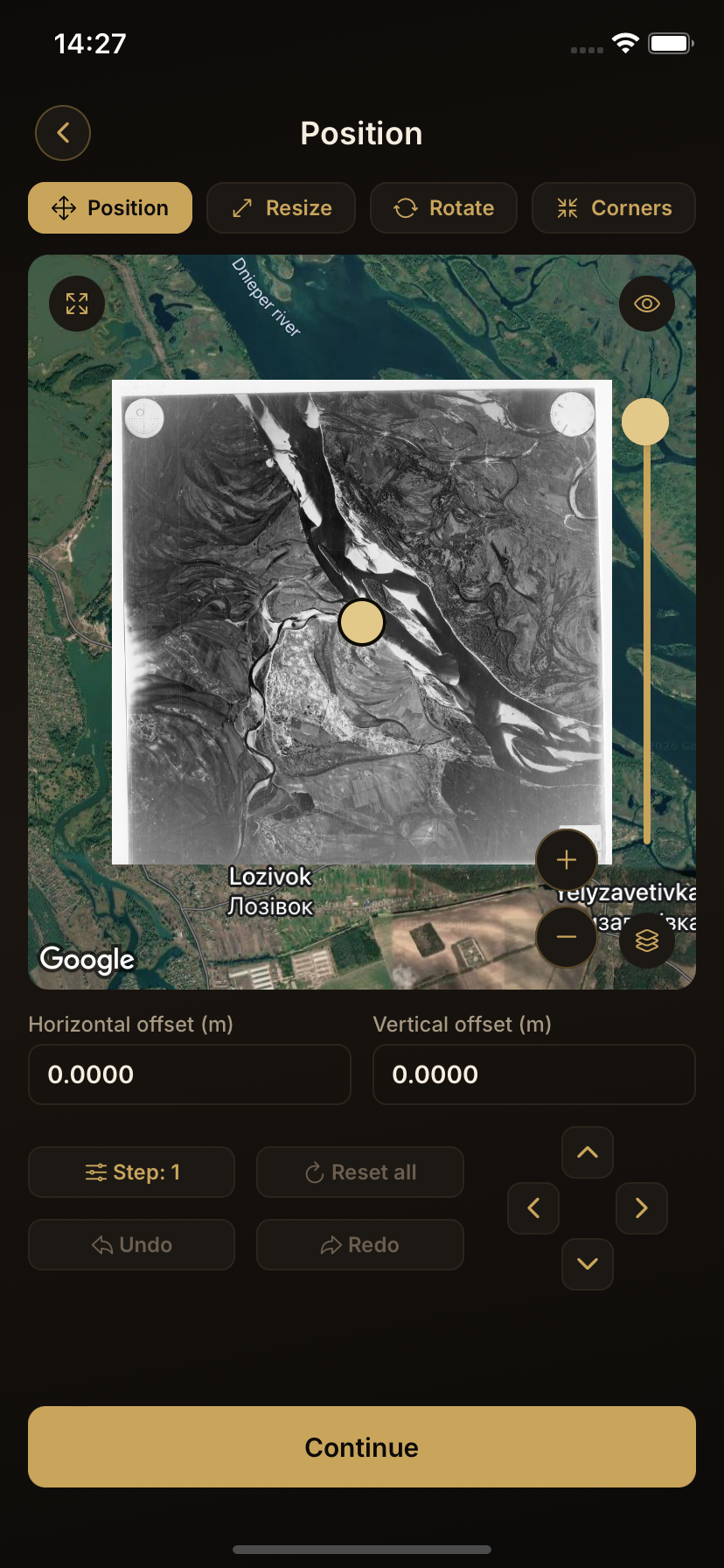
Edit maps you have already created or added locally, without having to recreate them from scratch.
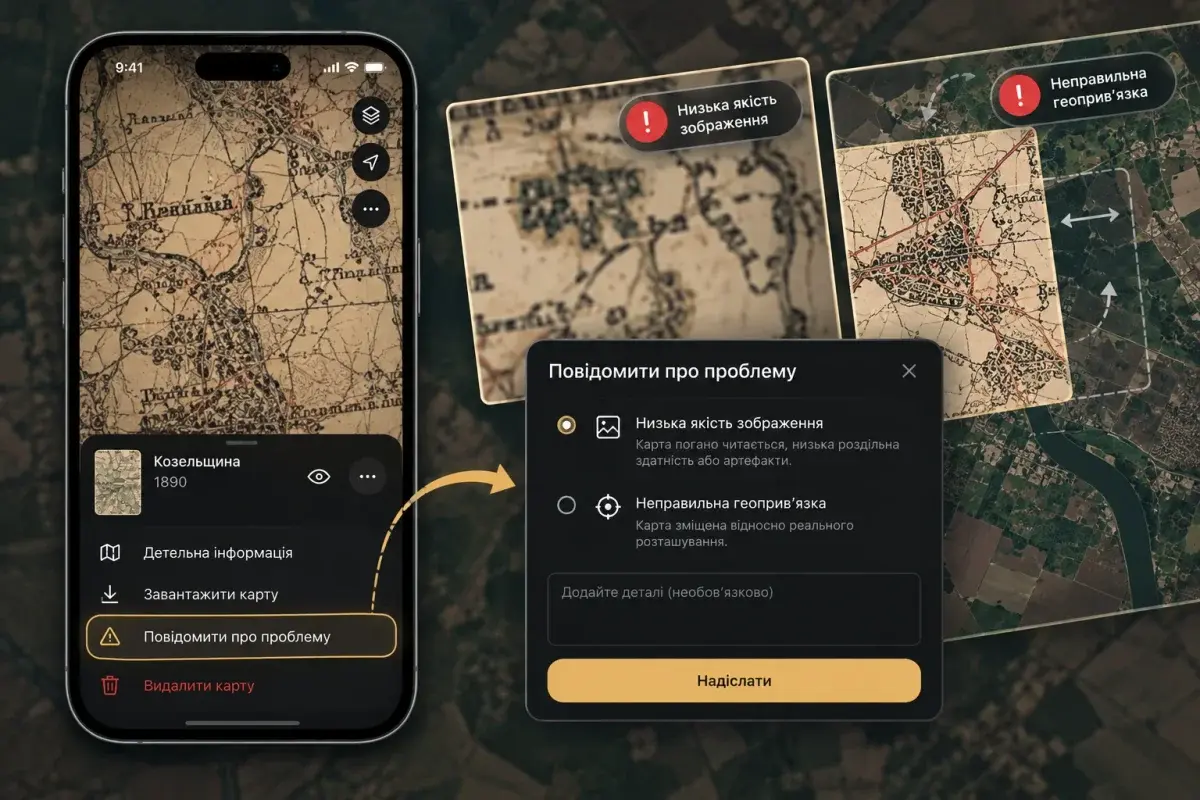
Report poor historical map image quality or incorrect georeferencing so the issue can be reviewed.
Historical maps, terrain, your own materials and field tools — in one app.